Kumizine

Photo book sequencing tool

Sequence photos for a zine inside the spreads your readers will actually see

A strong photo sequence is about rhythm as much as image quality. Kumizine is a photo book sequencing tool built around the printed object, so pairings, pacing and page turns can be judged before the design is finished.

Kumizine helps pull those choices back together. Connect My Libraries, work with lightweight previews while full-resolution originals stay in Dropbox or your existing library, review photographs as actual spreads, ask Kumi for a suggested order, and carry the approved sequence into an Affinity Publisher or InDesign layout.

Quick answer

A strong photo sequence is about rhythm as much as image quality. Kumizine is a photo book sequencing tool built around the printed object, so pairings, pacing and page turns can be judged before the design is finished.

What this page covers

  1. 01Create the zine project first
  2. 02Open the built-in Sequence Helper
  3. 03Shortlist, reorder, and ask Kumi for a suggestion
  4. 04Compare, apply, and move into print

Why sequencing changes once photographs become pages

A sequence is not only the order of images. It is also what happens when one image lands opposite another, how a page turn delays or reveals information, and how a center spread behaves as a visual event.

Those relationships are easy to lose if the print structure is bolted on after the sequence already feels finished.

Kumizine gives the sequence a real page architecture early, so visual rhythm and production logic develop together.

How to use Kumizine’s built-in photo sequencer

The built-in sequencer works best when you treat it as part of the book-making process rather than a separate image-sorting exercise.

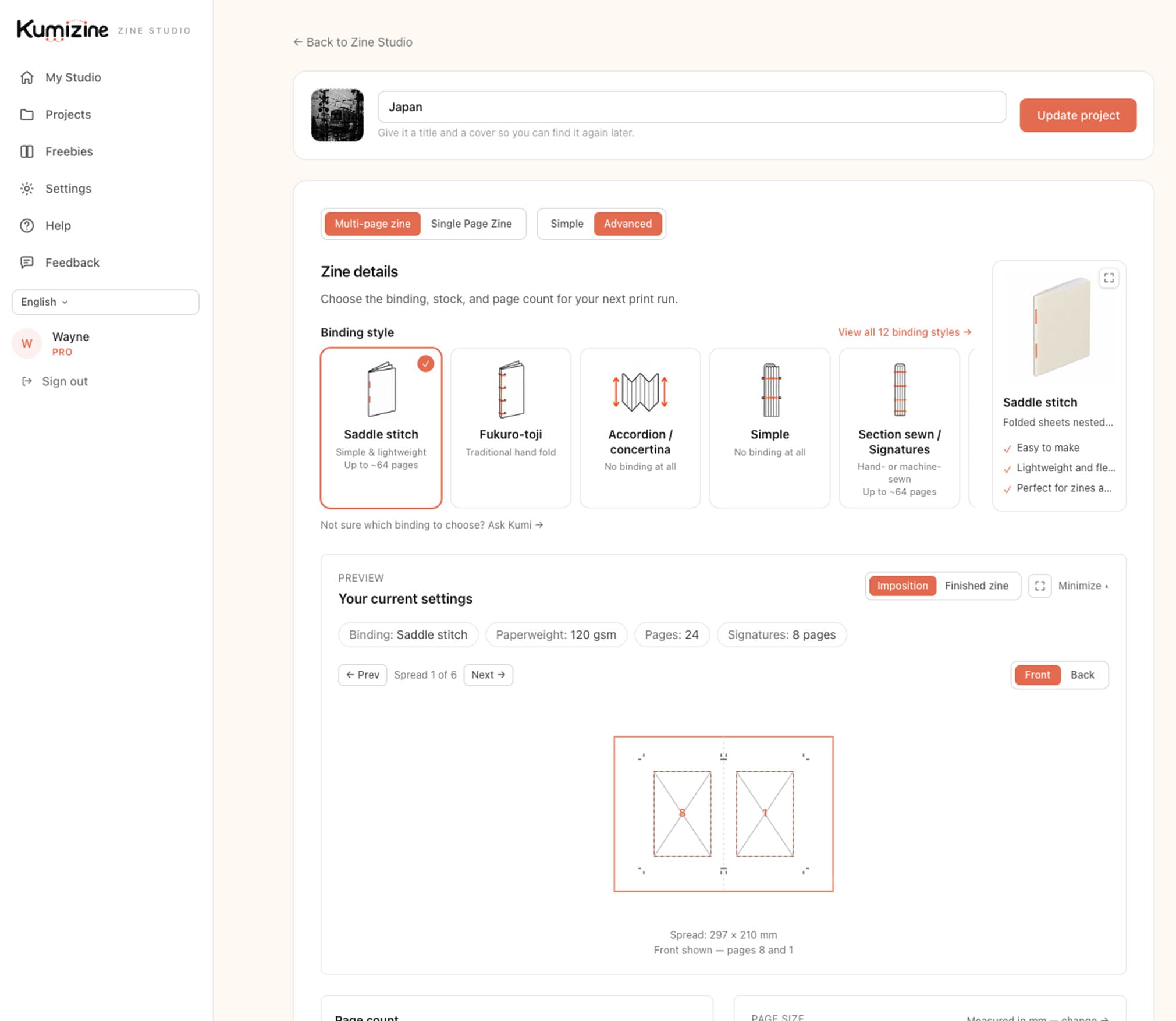
  1. Builder controls for shaping a photo zine before sequencing images.
    Builder controls for shaping a photo zine before sequencing images.

    Step 1

    Create the zine project first

    Set the size, page count, and binding so the sequencer knows the real spread structure the photographs will live inside.

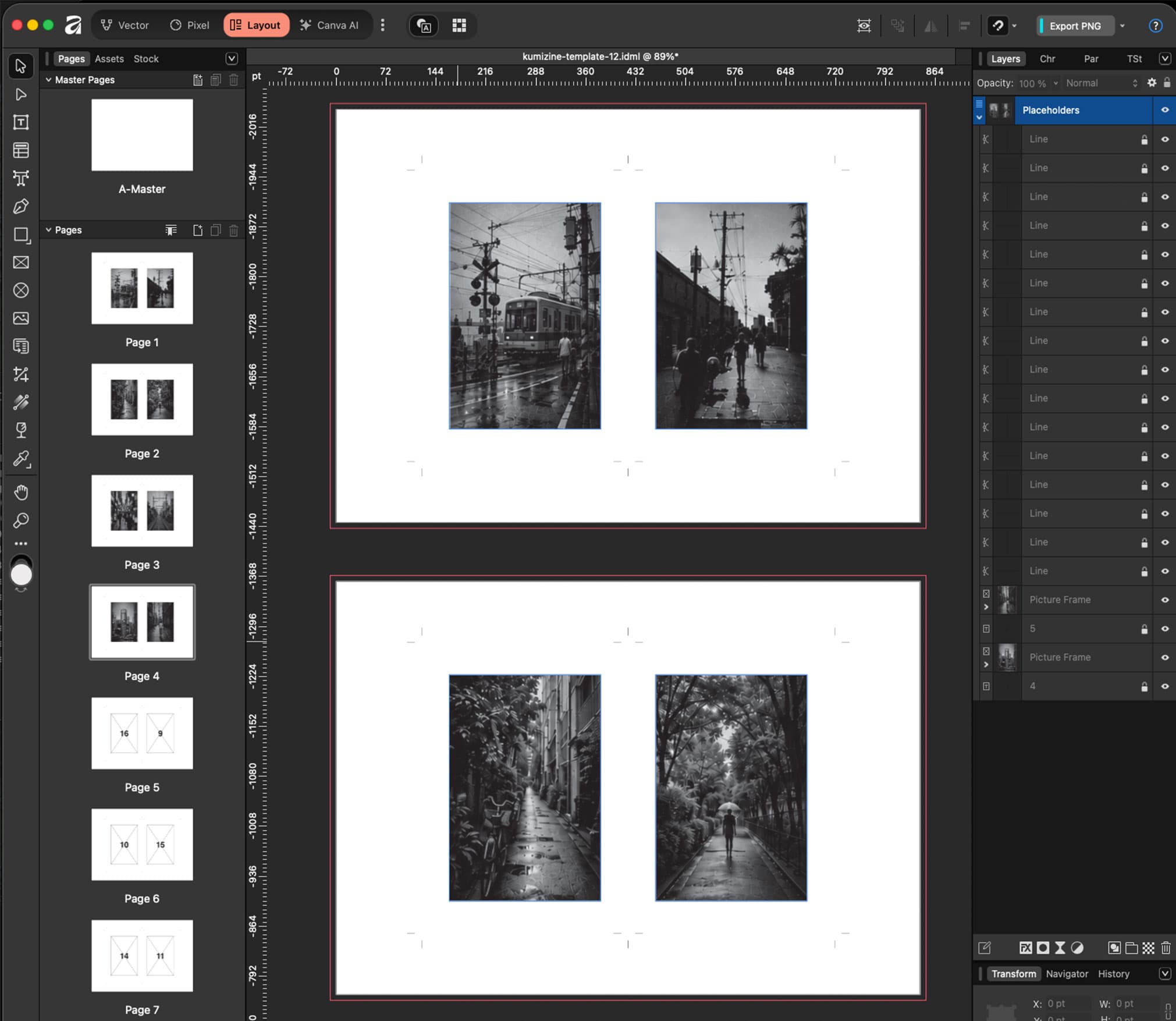
  2. Prepared spread layout for photographic sequencing.
    Prepared spread layout for photographic sequencing.

    Step 2

    Open the built-in Sequence Helper

    From the dashboard, enter the sequence workspace for the project and connect the shortlist of photographs you want to work with.

  3. Photographs being evaluated as spreads and turns in a zine sequence.
    Photographs being evaluated as spreads and turns in a zine sequence.

    Step 3

    Shortlist, reorder, and ask Kumi for a suggestion

    Review the images as pages and spreads, drag them into your own order, or ask the built-in sequencer for a suggested arrangement based on visual flow and transitions.

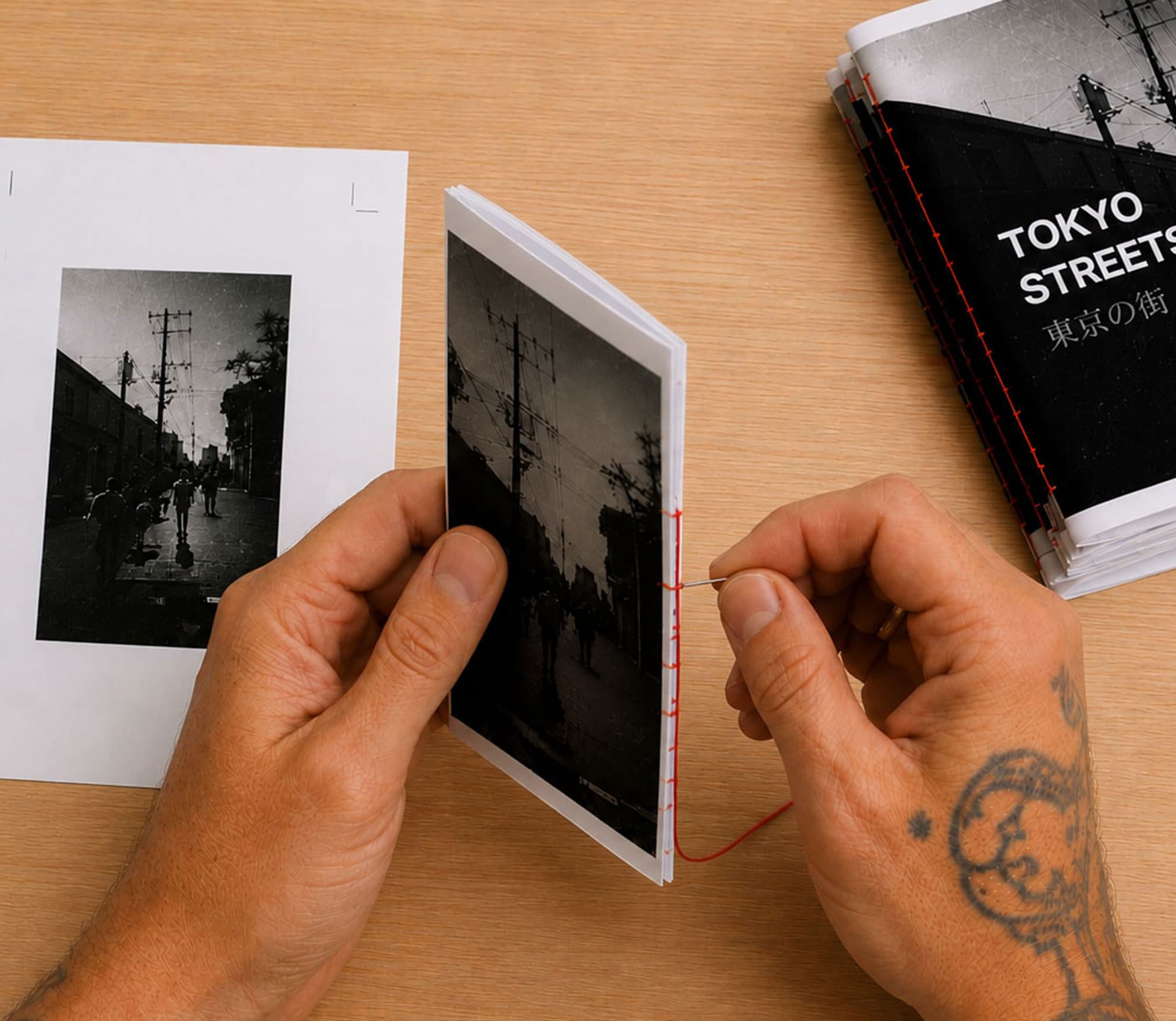
  4. Printed sequence moving from layout to physical zine review.
    Printed sequence moving from layout to physical zine review.

    Step 4

    Compare, apply, and move into print

    Compare Kumi’s suggested order with your own, apply the version you want to keep, then carry that approved sequence into the print layout with far fewer late-stage surprises.

Common sequencing questions

What does the built-in photo sequencer actually do?

It gives you a dedicated sequencing workspace inside Kumizine where you can shortlist photographs, reorder them manually, review them as real spreads, and ask Kumi for a suggested sequence without losing the print structure of the project.

Why use the built-in sequencer instead of a folder or contact sheet?

Because the printed object creates relationships that a flat image list cannot show clearly. The built-in sequencer shows the work in page and spread terms, which is much closer to how the final zine will actually read.

Can I keep my own order if I do not want Kumi’s suggestion?

Yes. The suggestion is there to compare against your own thinking, not to overwrite it. You can keep your own order, apply Kumi’s version, or use the comparison to refine the sequence manually.

Sequence the work in spreads, not only in thumbnails

If the project is heading toward print, it helps to let the final object shape the sequence while there is still time to change it.