Kumizine

Zine imposition

Understand zine imposition without manually rearranging every booklet page

Zine imposition is the part of print production where page numbers get rearranged into printer spreads, so the booklet reads correctly once it is folded, nested, and bound.

That is why page 8 can sit beside page 1, or why the first sheet you print may contain the cover and the back cover together. In plain English, it is the step that fixes booklet pages in the wrong order, stops zine pages printing upside down, and tells you how to print a folded zine double sided without guessing. Kumizine handles that logic for you and outputs the imposed template you can finish in Affinity Publisher or InDesign.

Why imposition matters for zines

A zine is not printed in reading order. Once sheets are folded into a booklet, page positions shift so outer pages, inner pages, and center spreads all land in different places on the press sheet.

If the imposition is wrong, the zine may still print, but the finished booklet reads out of order, places spreads on the wrong side of the sheet, or creates assembly mistakes during folding and binding.

Kumizine separates the production math from the design work. You decide page count, size, and binding style, and the app calculates the spread order before you start placing artwork.

Example: 8-page zine imposition

For a simple nested 8-page booklet, Kumizine calculates the printer spreads like this.

SheetFront sideBack side
Sheet 18 / 12 / 7
Sheet 26 / 34 / 5

This is the same nested imposition pattern used by the app: the outer sheet holds pages 8 and 1 on the front, then 2 and 7 on the back.

Read the finished booklet in page order, but print the sheets in spread order.

Worked example: a 16-page saddle-stitched zine

Four sheets are nested and folded together. The page pairs move inwards from the cover sheet to the centre spread.

SheetFront sideBack side
116 | 12 | 15
214 | 34 | 13
312 | 56 | 11
410 | 78 | 9

Worked example: prove the duplex direction first

Correct imposition can still print upside down when the printer flips the back along the wrong edge. Print one test sheet before using the final paper.

  1. 1. Print the duplex test sheet.
  2. 2. Fold it in the same direction as the finished zine.
  3. 3. If the back is inverted, change from long-edge to short-edge flipping, or the reverse.
Use the free duplex test sheet

How Kumizine helps with zine imposition

You stay focused on the creative side while Kumizine handles the page-order logic and print layout.

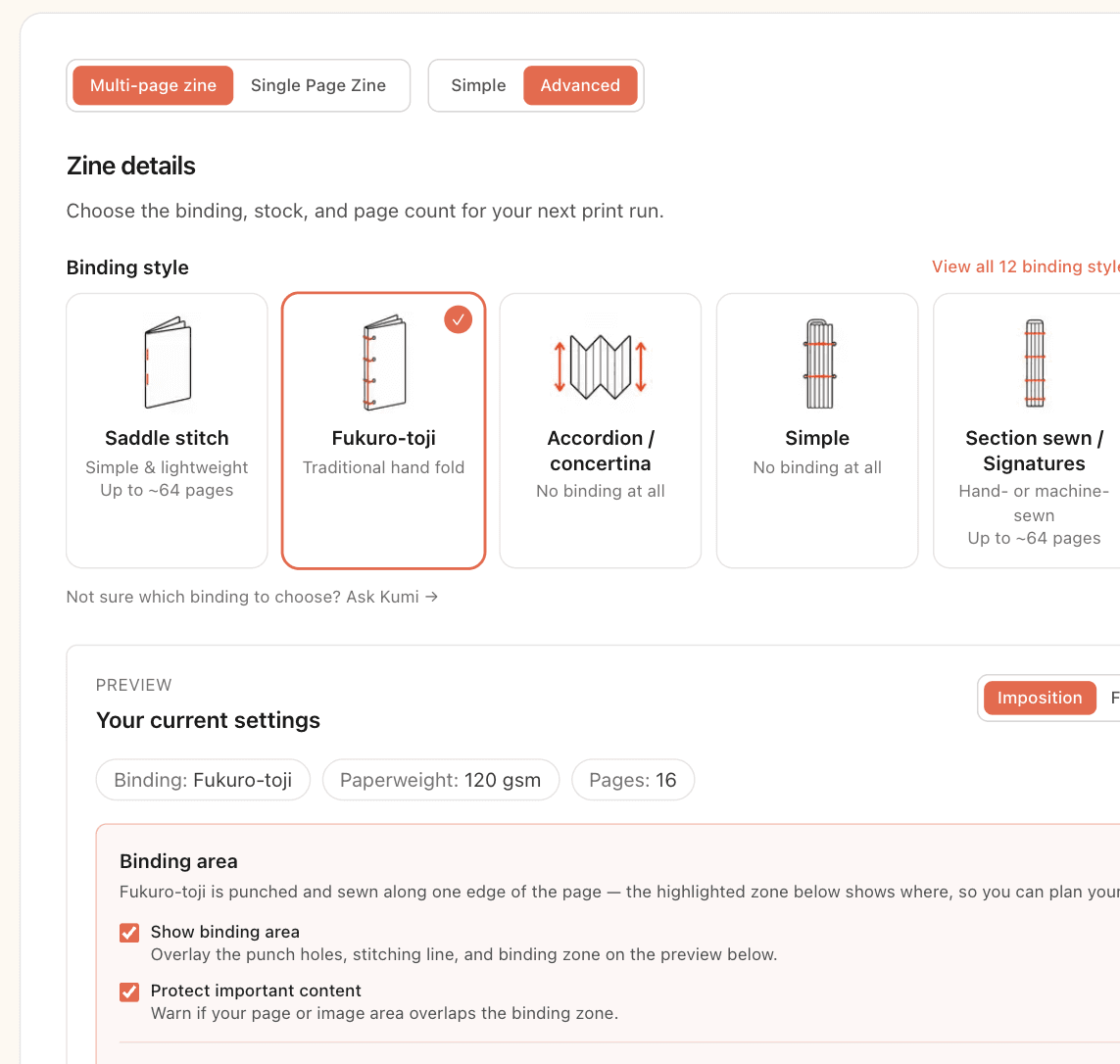
  1. The Kumizine builder showing zine settings for size, binding, and page count.

    Step 1

    Choose the booklet format

    Set the final size, page count, and binding style. Kumizine uses that to decide whether the zine needs nested signatures or a sequential sheet order.

  2. An imposed zine layout template generated from Kumizine.

    Step 2

    Generate the imposed template

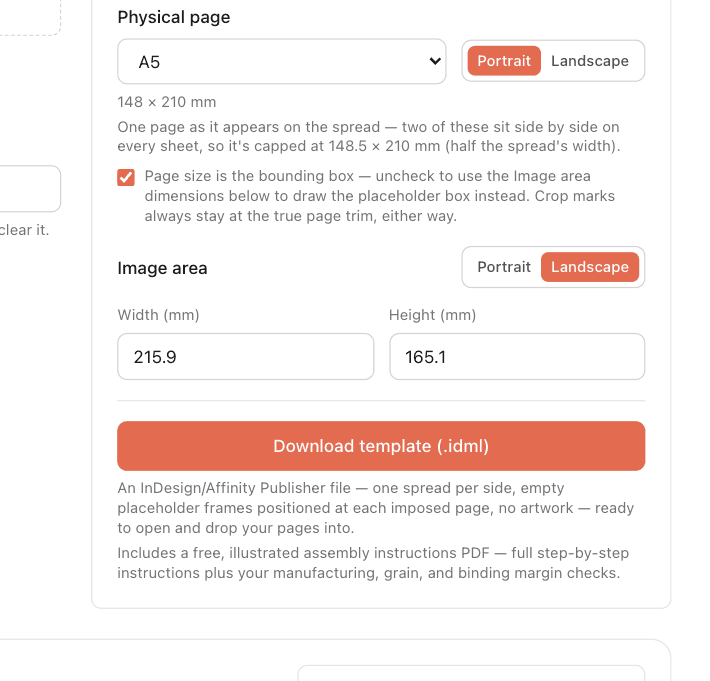
    Download an `.idml` layout with the spreads already arranged. Instead of guessing where pages should go, you get a print-ready starting point.

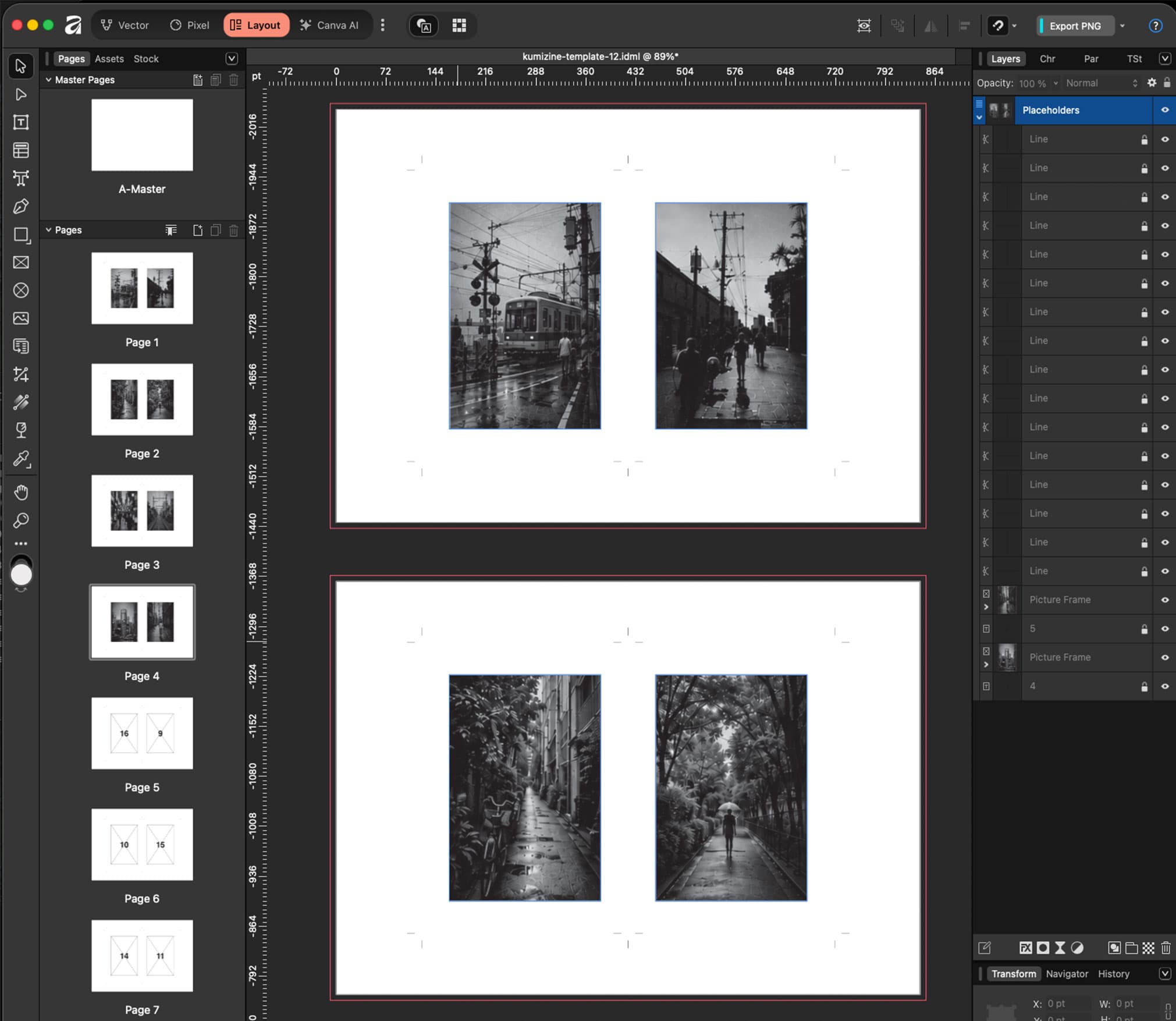
  3. A zine imposition template opened in Affinity Publisher for final artwork placement.

    Step 3

    Place your artwork in the layout

    Open the file in Affinity Publisher or InDesign and place each finished page into the prepared frames without recalculating the spread order.

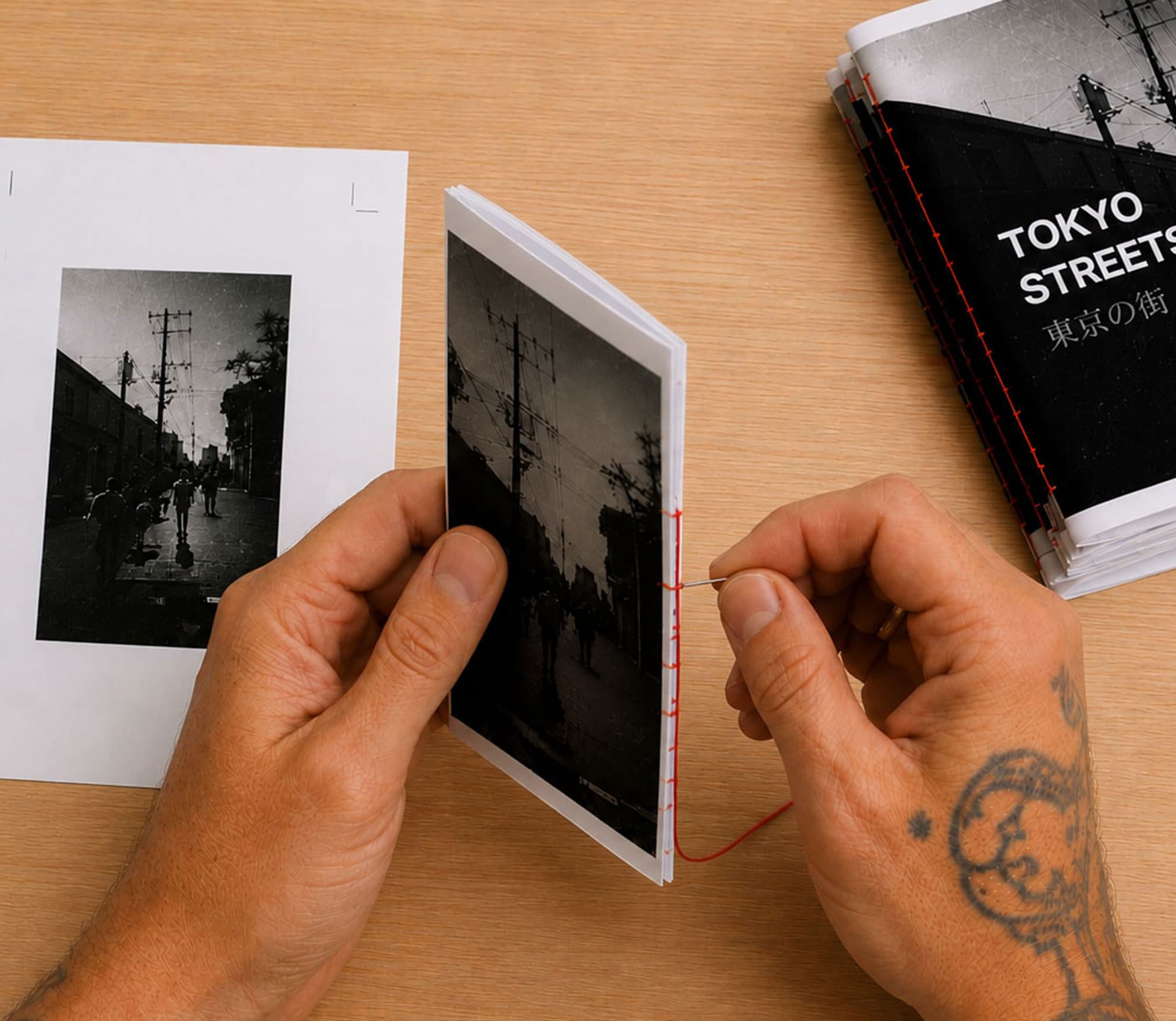
  4. Printed zine sheets being folded and assembled into a finished booklet.

    Step 4

    Print, fold, and bind with confidence

    Because the imposition has already been solved, you can focus on duplex setup, trimming, folding, and assembly instead of debugging page order at the printer.

Common questions about zine imposition

What is imposition in booklet printing?

Imposition is the process of arranging pages on a printed sheet so the booklet reads correctly after folding and binding. It is why the printed spread order looks different from the reading order.

Why does page 1 appear beside page 8?

In a nested booklet, the outer sheet wraps around the rest of the folded pages. That makes the cover and back page share the same physical sheet even though they are far apart in reading order.

How do I print a folded zine double sided without pages ending up upside down?

You need both the correct booklet page order and the correct duplex orientation for the way the sheets will be folded. Kumizine handles the imposition, shows the spread order before you print, and gives you assembly guidance so the front and back sides stay aligned.

Do I need InDesign or Affinity Publisher to calculate imposition?

No. Kumizine calculates the zine imposition first, then gives you an `.idml` template you can open in either app to finish the page design.

Build your zine layout without doing the page-order math by hand

Start with the builder if you already know the format, or browse the free templates if you want to inspect a working imposed file first.